Star rating
/STAR RAY-ting/ · noun · INPUT pattern · #126
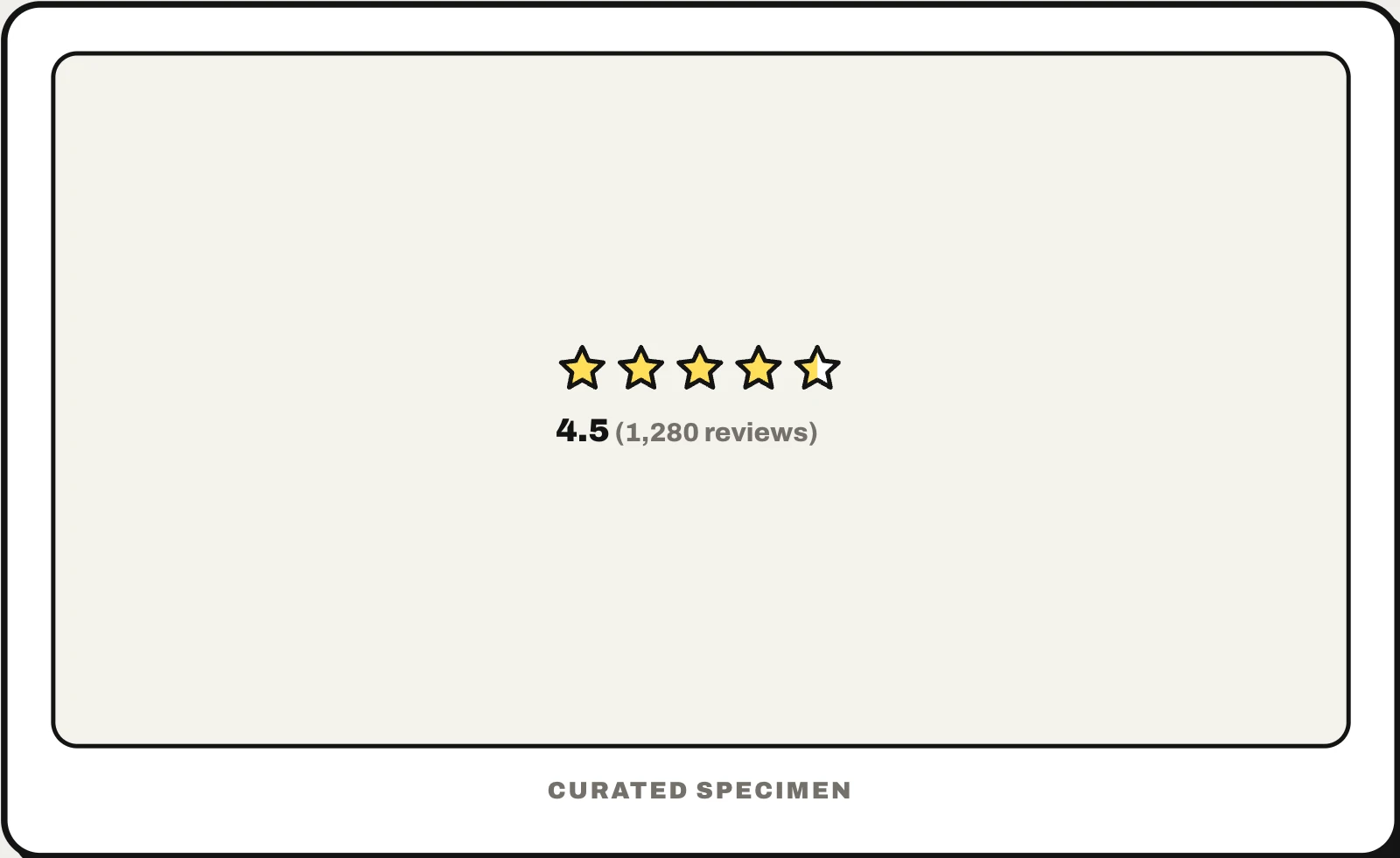
A row of five stars that either shows a score, such as 4.5 stars from 1,280 reviews, or lets you give one by tapping a star. As a display it summarises everyone’s ratings, filling stars to the nearest half; as an input it is really a set of five radio buttons, where choosing the fourth star means four out of five.
Also called: rating, 5 star rating, rating stars, star review, rating component, rating input.
You might call it
- “the five stars you tap to rate something”
- “the review stars under a product”
- “the rating out of five”
- “the 4.5 stars with the number of reviews”
- “the stars you click to leave a review”
…its name is Star rating.
Common questions
How are star ratings calculated?
Usually as the average of everyone’s ratings: add up the stars and divide by the number of ratings, then round to one decimal or the nearest half star, so 4.46 shows as 4.5. Some stores weight ratings instead; Amazon, for example, says it uses a model that counts recent and verified-purchase reviews more. Show the number of ratings too: 4.6 from 1,000 people means more than 5.0 from three.
How do you make a star rating accessible?
Build the input as five radio buttons in a fieldset with a legend, each labelled “1 star” to “5 stars”, and style the labels as stars. Arrow keys then move between values and screen readers announce them. For a displayed score, put the number in text (4.5 out of 5, 1,280 reviews) rather than relying on the picture of the stars.
In code
| Web (HTML) | <fieldset> <legend> <input type="radio"> |
|---|---|
| React (MUI) | Rating |
| Ant Design | Rate |
| Android (Views) | RatingBar |
| SwiftUI / UIKit | star star.fill star.leadinghalf.filled No rating control: build a row of buttons with these SF Symbols (the half star needs iOS 15) |
| Jetpack Compose | No rating component: a Row of star icons with selectable semantics |
Prompt for your AI coding tool
Add a star rating to this review form: five stars built as radio buttons in a fieldset whose legend says “Your rating”, labelled “1 star” to “5 stars”, so arrow keys and screen readers work. Hover and focus preview the fill, a click or tap sets it, and the choice is repeated in words (“4 out of 5”). Where an average is displayed, fill stars to the nearest half and put the number and review count beside them, as in 4.5 (1,280), so the stars never stand alone.
More UI words to use when vibe coding →