Skip link
/SKIP LINK/ · noun · NAV pattern · #139
A “Skip to main content” link that is the first thing on a web page but stays hidden until someone presses Tab. Keyboard and screen reader users can then jump past the logo and menus straight to the page’s main content, instead of tabbing through the same navigation links on every page. It is the most common way to meet the WCAG rule that blocks repeated across pages can be bypassed.
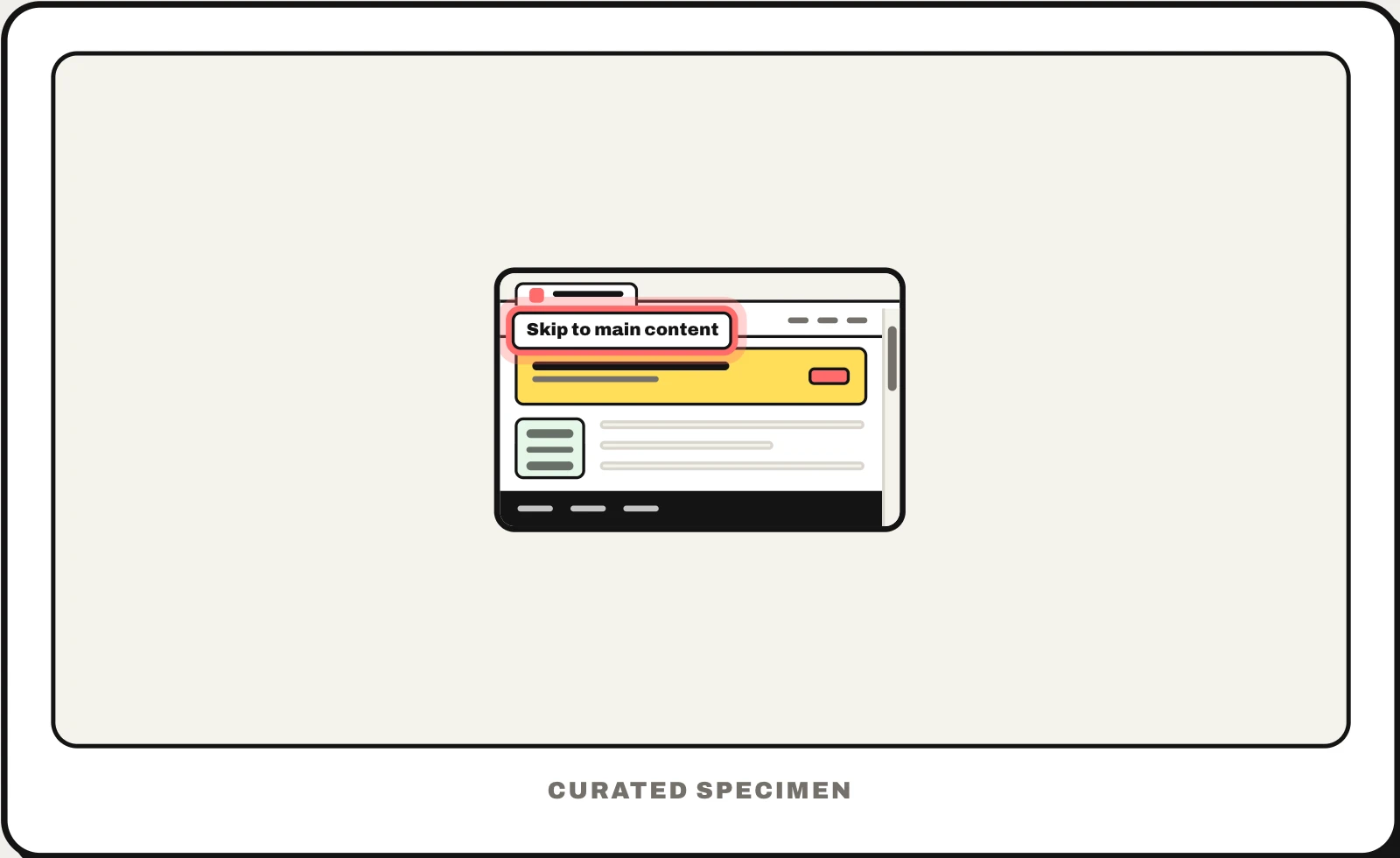
Also called: skip to content link, skip navigation link, skip nav link.
You might call it
- “the link that jumps past the menus”
- “the link that appears when you press Tab”
- “the hidden first link on a web page”
- “the skip navigation button”
…its name is Skip link.
Common questions
What is a skip link?
A link at the very top of a web page, usually reading “Skip to main content”, that stays hidden until you press Tab. It lets people who use a keyboard or a screen reader jump past the header and navigation, which repeat on every page, straight to the content. Mouse users rarely see it: press Tab on GOV.UK or another large site to make one appear.
Where is the ideal place for a skip to main content link on a webpage?
First. It should be the first element that can take focus, before the logo and the navigation, so the first press of Tab reveals it. While it has focus, show it in the top-left corner over the page, and point it at the start of the main content (the <main> element or the page’s h1) rather than the top of the page.
Is a skip link required by WCAG?
Not by name. WCAG success criterion 2.4.1, Bypass Blocks (level A), asks for a way to skip content repeated across pages, and a skip link is the most common way to meet it; headings and landmarks such as <main> and <nav> can also count. But landmarks mostly help screen reader users, so for people who use a keyboard alone, a skip link is still the expected solution.
In code
| Web (HTML) | <a href="#main"> <main id="main"> |
|---|---|
| Web (CSS) | position: absolute :focus Keep it off-screen until it has focus; display: none would take it out of the tab order |
| Bootstrap 5 | .visually-hidden-focusable |
| Tailwind CSS | sr-only focus:not-sr-only |
| WordPress | Block themes add one automatically |
| iOS / Android | No equivalent in apps: VoiceOver and TalkBack users jump by headings instead |
Prompt for your AI coding tool
Add a skip link as the first focusable element on every page: <a href="#main" class="skip-link">Skip to main content</a>, kept off-screen until it receives keyboard focus and then shown in the top-left corner above everything, with strong contrast and a visible focus ring. Point it at the <main id="main"> element (add tabindex="-1" there if focus does not move), never hide it with display: none, and check that Tab then Enter takes the next Tab press into the main content.
More UI words to use when vibe coding →
Related patterns
All the parts of a website, named →